After your free trial ends, or when you outgrow your current plan, you can subscribe to a new CountingKit plan.
You can subscribe to a new plan or upgrade your current plan by clicking the "Account" button from your dashboard and then selecting "Subscription". From here you can see your current plan, and the option to subscribe to a new CountingKit plan.
CountingKit Subscriptions are managed through Stripe. Stripe provides a secure portal to update your subscription, change your details or payment methon and cancle your account. Inside the Stripe portal you can also see your payment history and download a PDF of your invoice.
You can access the Stripe portal by clicking the "Account" button from your dashboard and then selecting "Subscription".
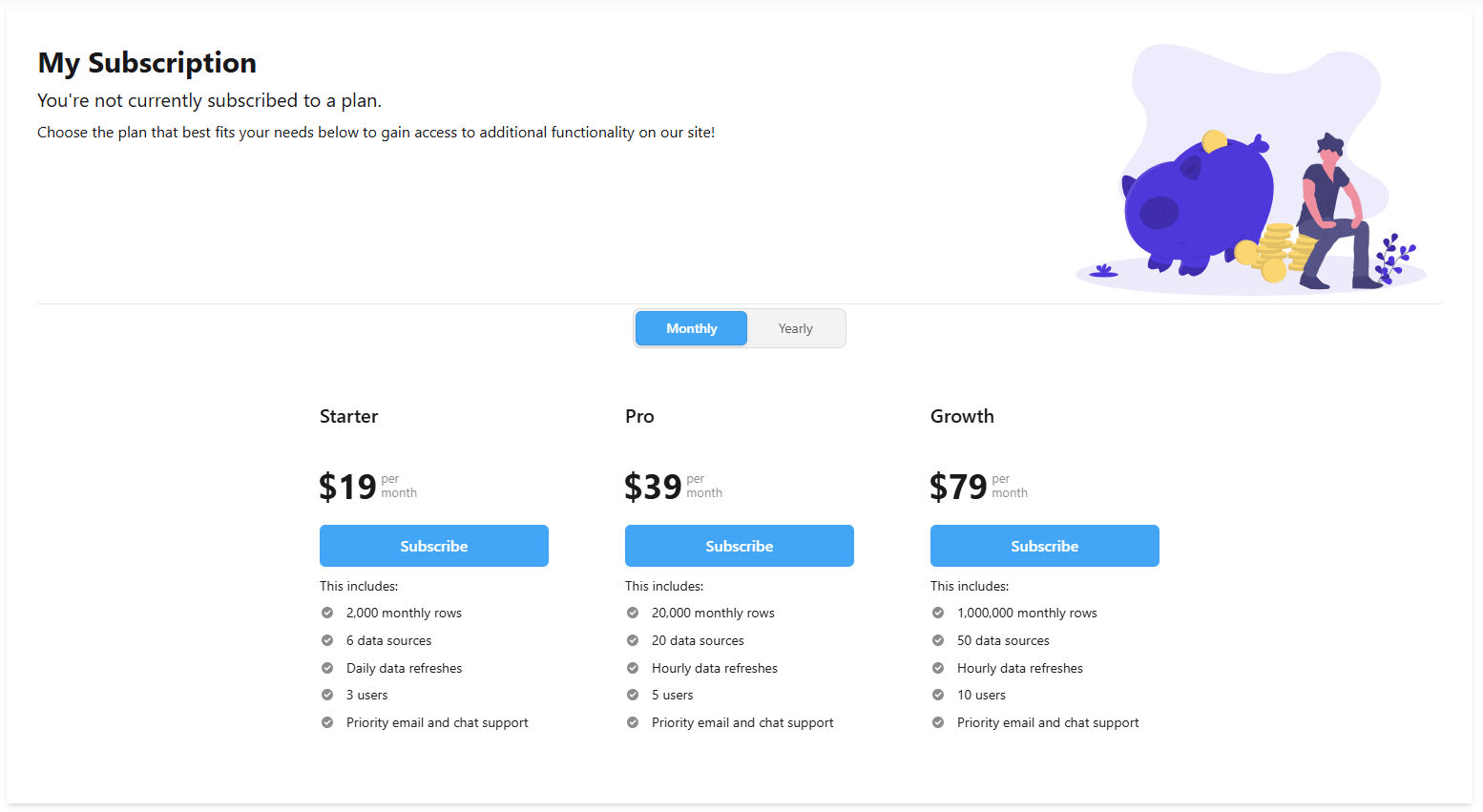
The subscription page allows you to manage your subscription, change your details or payment method and cancel your account.
