Create automated dashboards and reports with up-to-date financial, invoice, and accounting data from your Xero account.
Connect your Xero account with our generous free plan
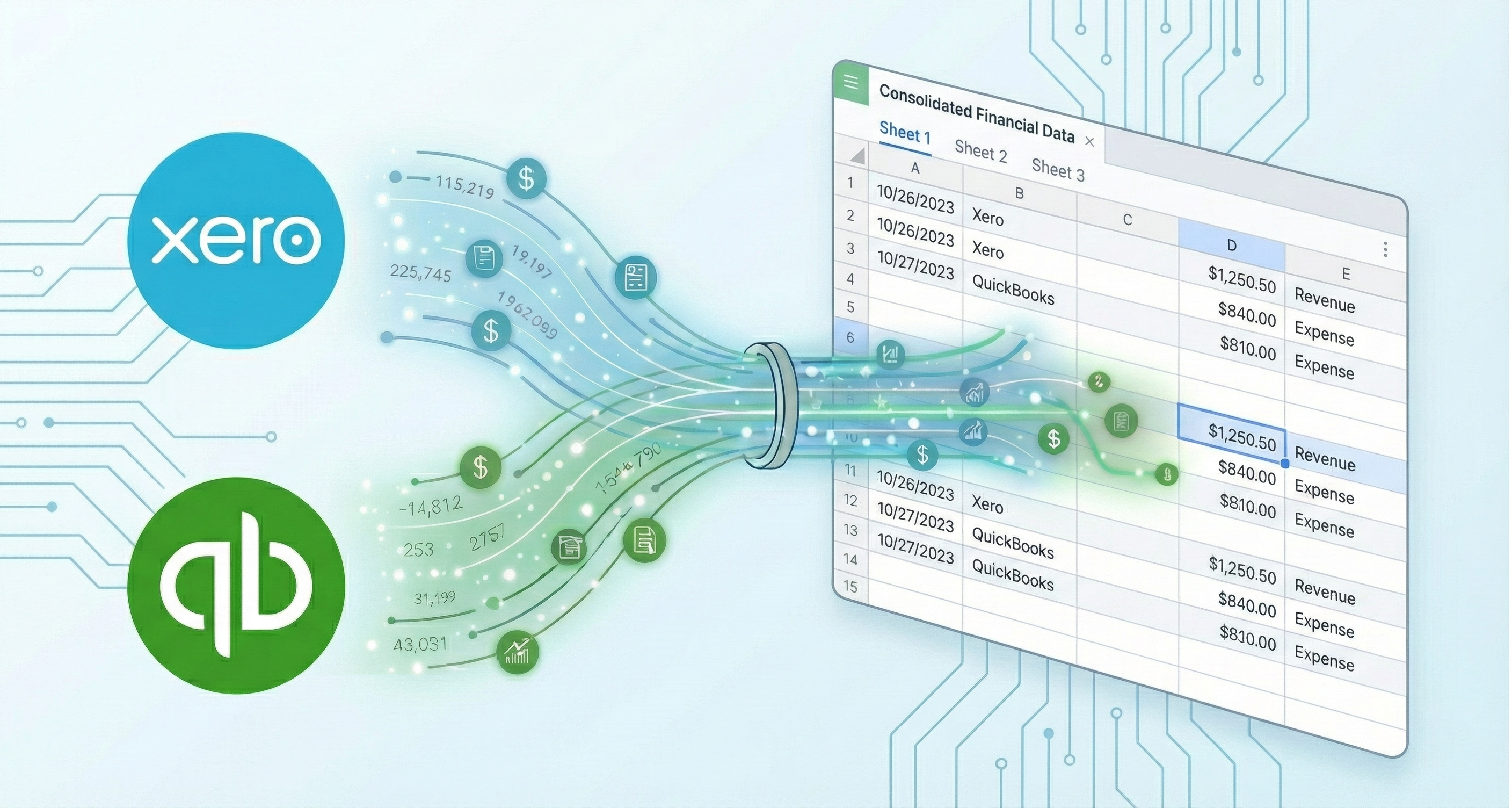
CountingKit connects your Xero accounting with Microsoft Excel and BigQuery in minutes, no coding required.



Connect your Xero account in just a few clicks - no coding or API keys required
Export invoices, expenses, contacts, bank transactions, and financial reports from your Xero account
Schedule automatic refreshes to keep your Xero data up to date in Microsoft Excel
Connect Your Xero Account in Minutes
CountingKit makes it easy to connect your Xero accounting to Microsoft Excel. No more manual data exports or complex API integrations required!
Simply authorize the secure connection to your Xero account
Choose exactly what Xero data you want to export - invoices, expenses, contacts, bank transactions, and more
Your Xero data automatically appears in Microsoft Excel - ready for analysis, reporting, and sharing


Your Xero Data, Your Way
Choose exactly what Xero data to export and how often it refreshes. Create powerful reports with up-to-date accounting information.
Export invoices, bills, payments, and accounts receivable/payable data
Track bank accounts, transactions, and reconciliation data
Access contacts, chart of accounts, and financial reporting data
Start syncing your Xero data to Microsoft Excel and BigQuery in just a few minutes. No coding required.
